THE FREE CAMERA
CineCam
Take control of the camera already in your phone. CineCam is the free starting point for CineSuite.
- Camera recording
- Manual exposure and shutter controls
- Focus and white balance controls

CineTechGear
SOFTWARE & HARDWARE FOR FILMMAKERS
CINECAM / THE CINESUITE FAMILY
CineSuite
It is hard to perform, check focus, frame the shot, read a script, and handle sound at the same time. Start with free CineCam for advanced camera controls on your phone, then add the tools you need—or choose the full CineSuite to bring the production together.
Explore CineCam & the suite ↓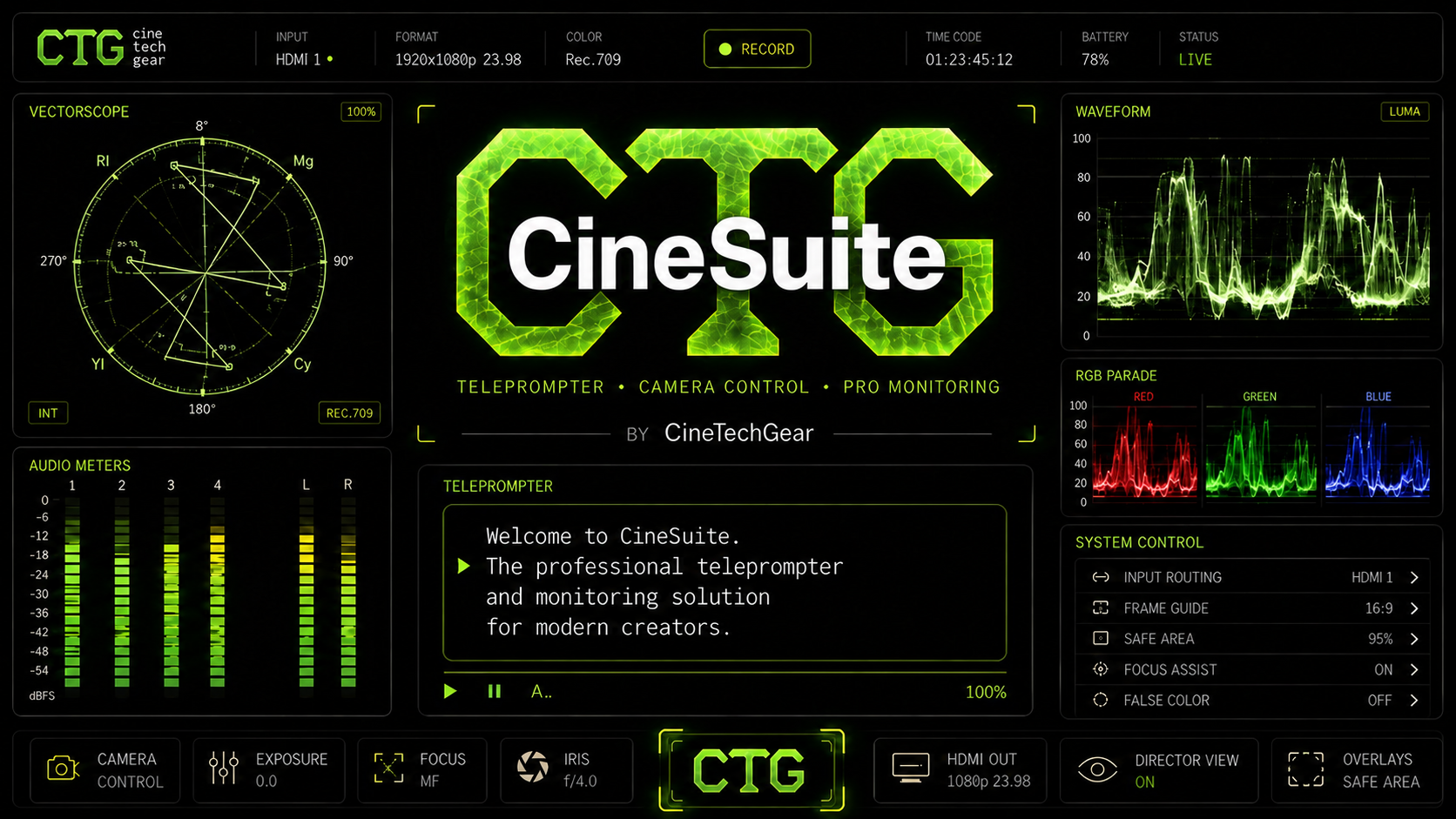
Removing the pain points of production and post.
THE PROBLEMS BEHIND CINESUITE
A monitor helps, but filming yourself is still a balancing act. You can set the frame, step into position, and discover that the composition feels different once you start moving. Focus and lighting need attention while you are in the shot. Reading a script adds another thing to watch.
Then there is sound. The meters looked fine during setup, but you could not keep listening while you performed. A lavalier brushed a collar. A microphone sounded different from what you expected. You only discover the problem when you sit down to edit.
REMOTE CONTROL / AT THE HEART OF CINESUITE

Seeing the camera image is only part of filming yourself. You also need to act on what you see: set focus, adjust the framing, and run the take without repeatedly leaving your position. Remote control is a foundation of CineSuite, bringing the controls to the person making the film.
That matters just as much for the small jobs a crew would normally share. When you are performing, operating the camera, and handling sound, it is easy to skip the slate, forget to advance the take, or lose track of the version you liked. Those jobs belong within reach, too.
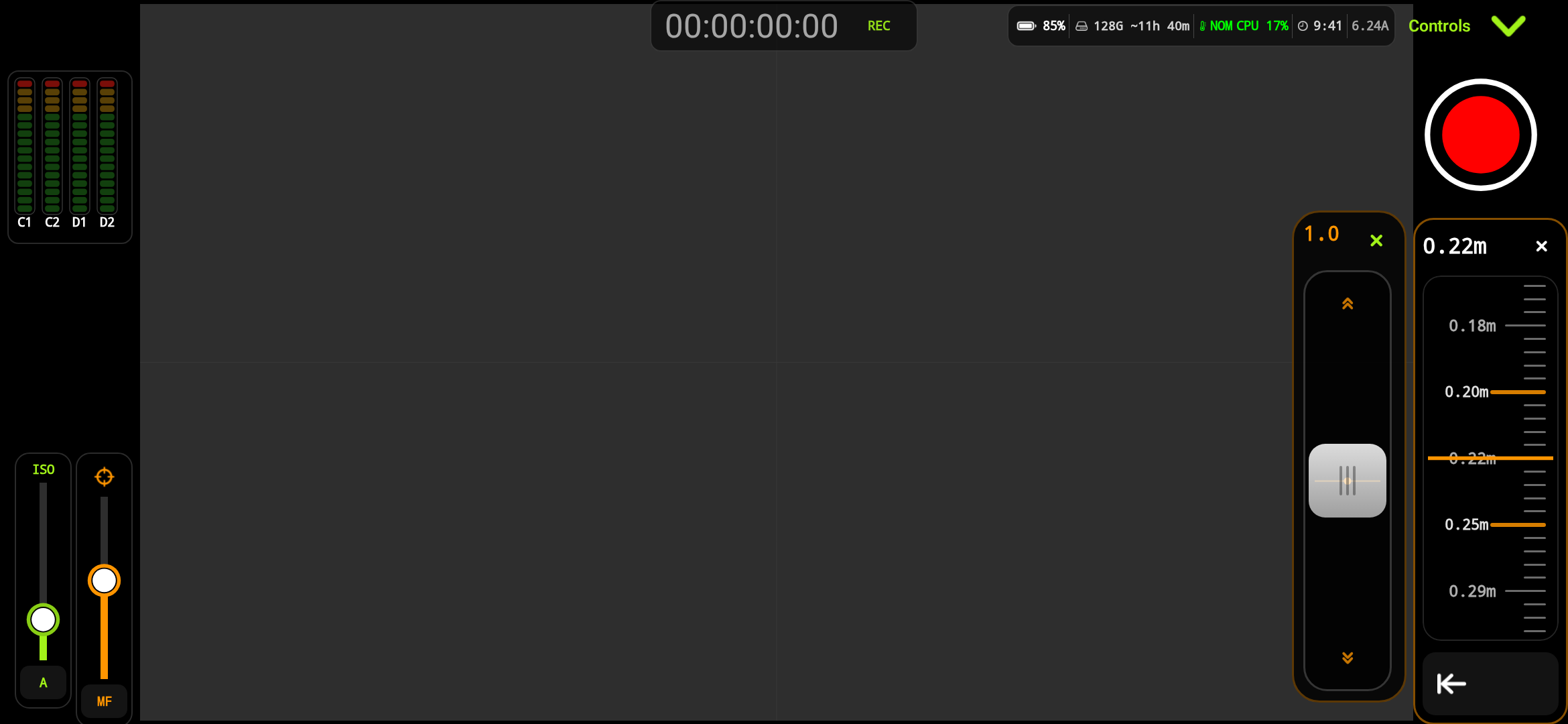
Set focus, zoom, and reframe from where you are performing. Monitor the image and make the adjustment there, without leaving your position or walking back to the camera.
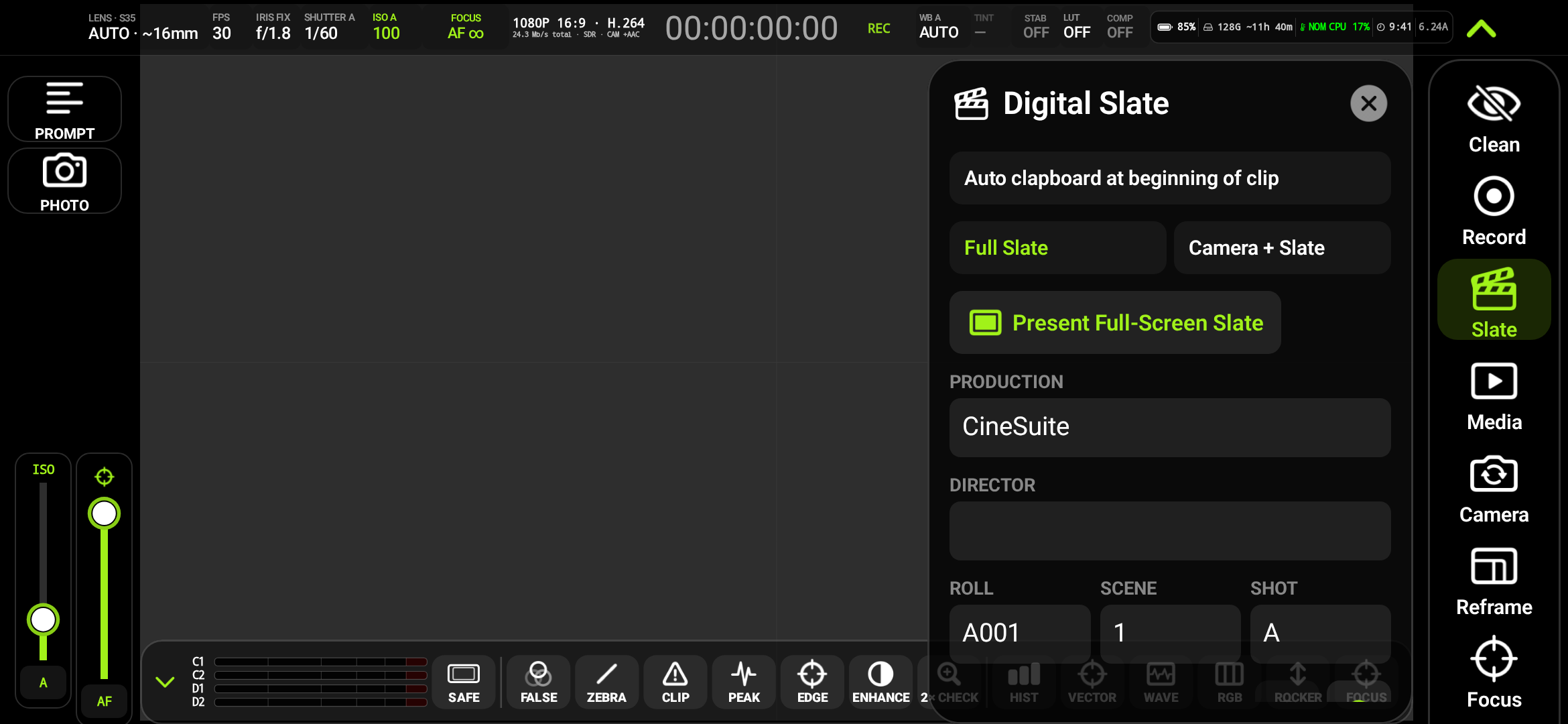
Trigger the slate remotely, update the shot and take, advance the take number, and mark the takes you want to return to. Keep the practical record of the shoot close to the controls instead of relying on memory once you reach the edit.
Work with sound beyond the microphone on the camera device. Supported remote audio sources bring additional channels and recording perspectives into the setup, alongside audio monitoring and source controls.
Read your script while checking the camera image and keeping production controls nearby. A mirrored or flipped monitoring view can also make movement easier to judge when you are facing the camera.
Available remote controls, audio sources, and channel counts depend on the connected devices, platform, lens, and recording mode.
INSIDE THE WORKSPACE
Focus, zoom, meters, and slate controls are part of the same production workspace. Open either view for a closer look.
HOW IT BEGAN
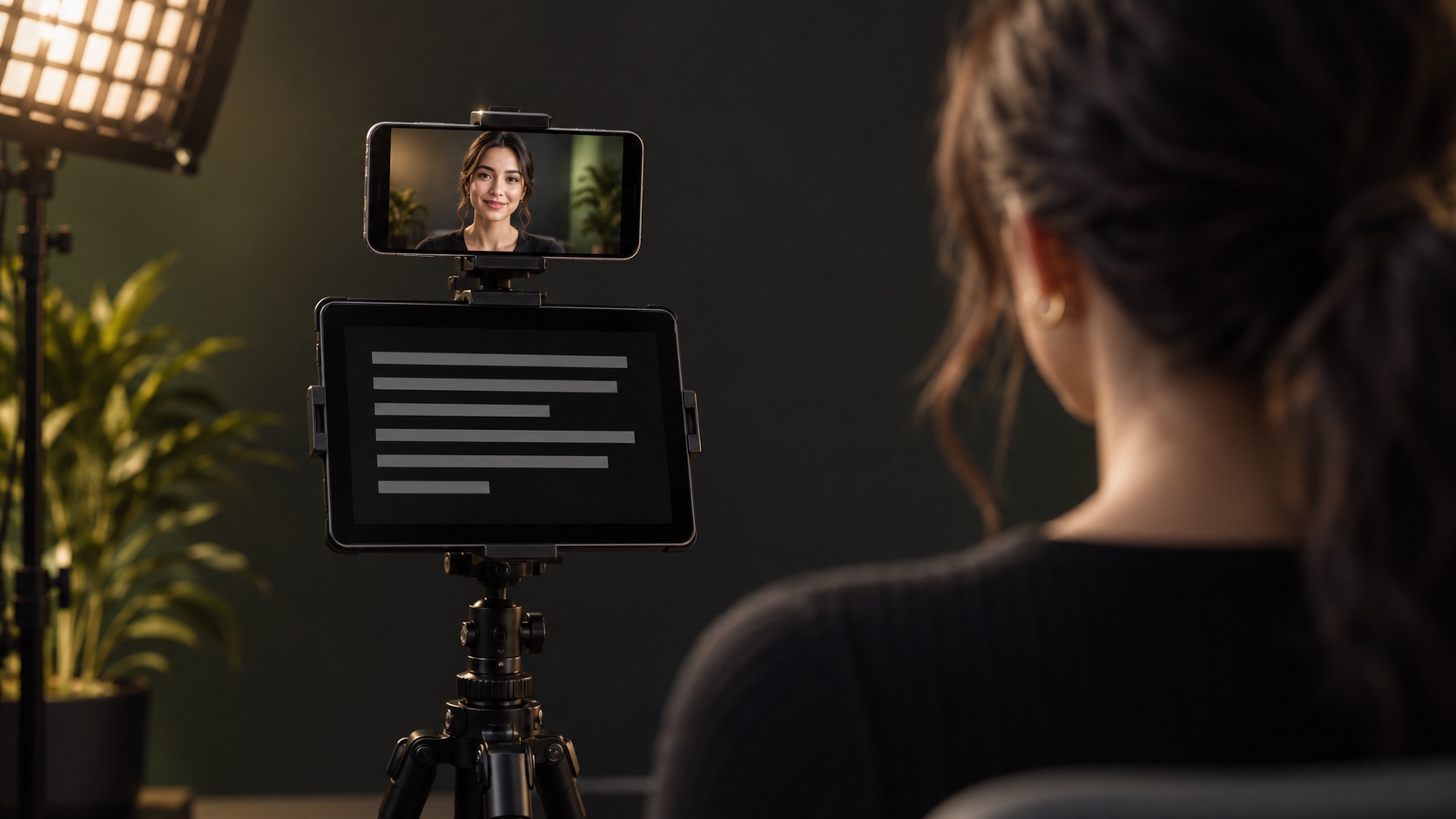
After more than 30 years working in film and audio, Heath Firestone still encountered these problems on his own shoots. Experience and a studio full of equipment could solve individual pieces, but setting up the pieces together was still a lot of work.
CinePrompt began as a way to read a script while seeing himself and checking the shot. From there, the project grew around the controls, monitoring tools, graphics, and audio workflows he already used—or wished were easier to use. The aim became to bring more of those studio functions into a connected phone and tablet workflow.
CineSuite grew out of that process: start with the things that make a real shoot difficult, then build tools that help the filmmaker stay with the performance and the image.
THE AUDIO WORKFLOW
One microphone can be the right setup for a straightforward recording. Other productions need more choices: a close microphone, a lavalier, a shotgun, or room sound. They capture different perspectives. A lavalier may rub on clothing, another microphone may suit the voice better, or the edit may need more of the space around the subject.
Redundancy can be useful, but it also adds equipment, files, and work. A separate recorder preserves options while creating another source to ingest, back up, and synchronize. Multiply that by several cameras and the preparation can become a project of its own.
CineSuite brings audio capture, monitoring, and source and mix controls into the production workspace. Keep an eye on what is arriving, adjust levels, pan, mute, and solo, and retain useful sound choices for the edit. Available sources, channel counts, and routing depend on the device, interface, platform, and recording mode.
FROM PRODUCTION TO POST
Ingesting footage, protecting the files, matching recordings, and synchronizing cameras all take time before the edit begins. When every project starts with that preparation—or with repairing problems you could not hear or see on set—it is easy to run out of enthusiasm before the creative work starts.
Live mixing suggested another way to work: make more of the decisions together during capture, keep the sources and timing connected, and reduce what has to be assembled afterward. That thinking runs through CineSuite, CineTrack, and CinePost. Use the capable cameras and computing power already in these devices to make production more manageable, while retaining useful choices for post.
Slates, shot and take information, and notes about useful takes give your recordings context before you open the editor. Spend more of your time making the film, with less spent untangling what you shot.
CINESUITE / THE CAPABILITIES
Set exposure, focus, shutter, and white balance instead of leaving every decision to the phone. Across the CineSuite toolset, waveform, vectorscope, false color, zebras, and focus peaking help you judge the image and your lighting.
CinePrompt puts the words into the production workspace, with script formatting, adjustable scrolling, and chapter navigation. It is the starting point of CineSuite’s story: seeing yourself and the camera image while you deliver the line.
Remote control is central to CineSuite: monitor the shot, adjust focus and zoom, reframe, and keep slate and shot/take controls within reach. Stay in position while making the decisions that keep a solo shoot moving. Supported controls vary by device, platform, lens, and recording mode.
Capture and monitor audio with level, pan, mute, solo, and mixing controls. Use supported local and remote sources to bring more channels and sound perspectives into the production workspace.
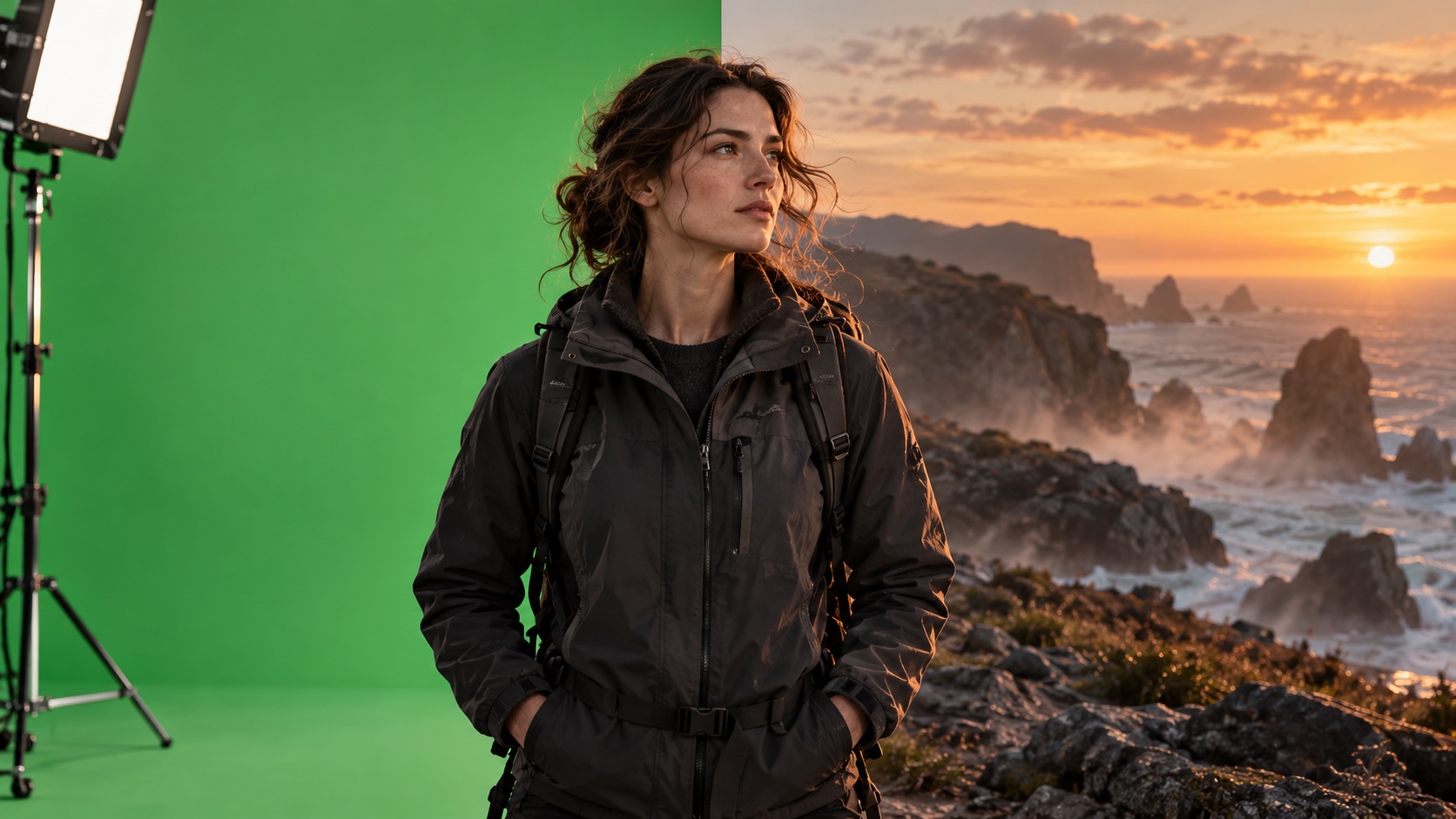
CineComp brings live chroma-key compositing, foreground and background controls, and matte inspection into the workspace. Explore the relationship between your subject and the scene before leaving the set.
Trigger the slate, update shot and take identifiers, advance the take number, and mark useful takes. Keep the practical record of the shoot alongside the recording so you can find the moments you want when you reach the edit.
Available features and controls depend on the platform, device, camera, connected equipment, and recording mode.
EXPLORE THE CTG SOFTWARE FAMILY
CineCam and the CineSuite tools put more of the production within reach. Explore CineTrack for virtual filmmaking and CinePost for postproduction; those separate product pages describe their own capabilities and availability.
THE CINETECHGEAR COMMUNITY
Explore the CineTechGear community for product conversations, filmmaking ideas, and updates.
Features and available controls depend on your device, connected equipment, platform, lens, and recording mode. CineTrack and CinePost are separate products; this page describes CineCam and the CineSuite production tools.