Bring virtual filmmaking to the people who want to make the movie. CineTrack is designed to make digital sets and tracked camera work accessible to filmmakers, without requiring a team of virtual production specialists.
Part of the CineSuite family, CineTrack brings the virtual scene into the production workflow. The goal is a direct creative process: prepare the set, place it, frame the shot, and shoot.
IN YOUR SETUP
Where the workflow can help.
Plan a shot with a digital environment
Place a virtual scene around the camera, explore framing, and inspect the relationship between the physical shooting space and the digital set. Tracking and scene tools depend on the supported device and workspace.
Make a virtual set usable by a small crew
The goal is an approachable setup process for filmmakers who want to make the shot without first becoming virtual-production specialists. Current scene placement and viewing tools are the foundation.
Leave room for changes in post
The developing workflow retains available camera and timing evidence for CinePost. Reconnecting a complete take with an editable master scene is still being built, rather than assumed to be a finished round trip.
Load a virtual environment and see it with the live camera. Explore the framing and relationship between the performer and the digital scene while the production is still in your hands.
02
Move the camera through the scene.
The existing tracked workspace uses supported Apple tracking capabilities to relate camera movement to the virtual world. A new camera and tracking foundation is also in development; capabilities depend on the device and workspace.
03
Make the scene fit the production.
Position, rotate, and scale the scene. Work with set and background layers, stage setup, and calibration tools to build a useful relationship between the real camera and the virtual set.
04
Choose what you need to see.
Switch between the live composite, unobstructed camera, and scene views. Helpers, mesh displays, markers, and a free inspection view support setup without having to remain in the final image.
05
Shape the look on set.
Use compositing and scene-layer color controls to explore the intended shot. Adjust the camera, set, background, and rendered scene independently in the existing development workflow.
06
Keep a path back to the scene.
Recorded camera transforms, timing, and available tracking evidence are foundations for CinePost. The goal is to reconnect the take with an editable master scene, rather than leave every creative decision baked into the preview.
CURRENT DEVELOPMENT
Working foundations in development
A tracked camera workspace with virtual environments on supported Apple devices.
Stage placement, scale, scene layers, calibration, and inspection tools.
Live composite and clean-camera views, with helper and mesh controls.
Camera, set, background, and 3D master look adjustments.
Recording and camera/timing journals that form the starting point for postproduction interchange.
WHERE WE’RE HEADING
Make virtual filmmaking a practical choice
The ambition is broader than a tracking demo. CineTrack and CinePost are being developed as parts of one workflow: build an editable set, prepare a mobile version, shoot, then return to the original scene with the take. That complete round trip is still being built.
Simplify set preparation and camera-to-scene setup.
Continue the next camera and tracking foundation.
Develop a dependable handoff of takes, camera motion, and captured scene data to CinePost.
CineTrack is in development within CineSuite. The existing tracking workspace is based on supported Apple hardware. Final device requirements and the capabilities of future tracking paths will be confirmed before release.
THE CONNECTED WORKFLOW / IN DEVELOPMENT
From the first setup to the final shot.
Removing the pain points of production and post: keep capture, timing, scene information, and creative decisions connected as the CineSuite, CineTrack, and CinePost workflow develops.
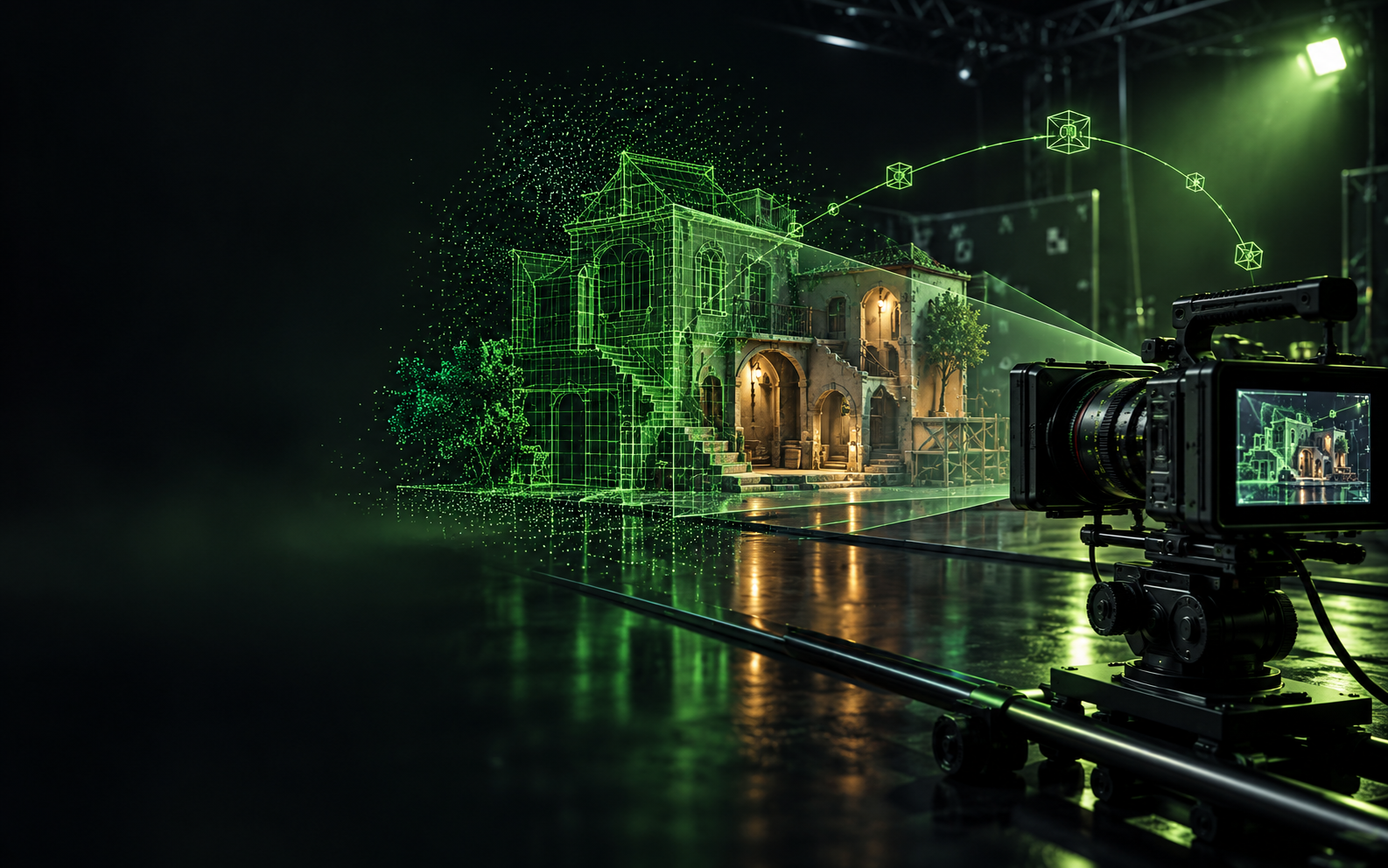
Development preview. Current tracking and scene tools are distinct from the complete capture-to-post workflow, which is still in development. Artwork illustrates the product direction and is not an application screenshot.