Where should the light go?
Use doors for spill control, a grid for direction, or diffusion for a different source treatment. Regular doors keep the package compact; deep doors provide clearance to close over a suitable grid for transport.

CineTechGear
SOFTWARE & HARDWARE FOR FILMMAKERS
THE MINICINE SYSTEM
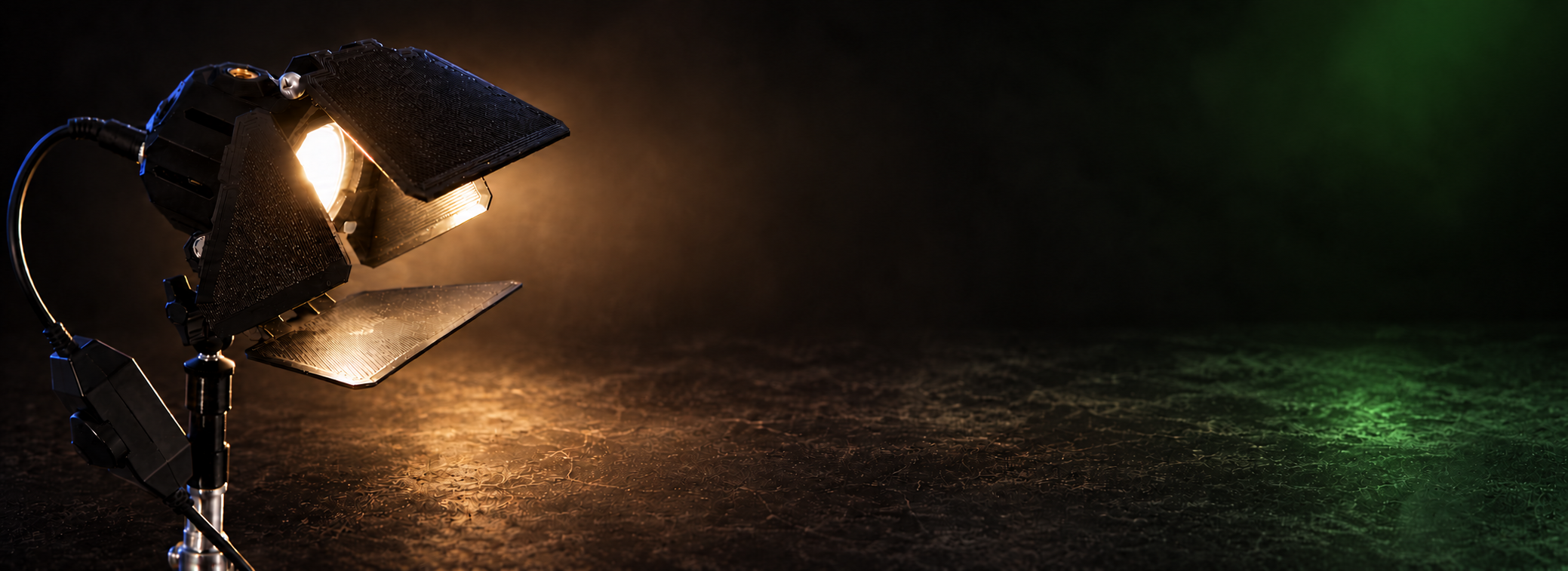
The existing MiniCine accessory range, brought together: grids, doors, diffusion, mounts, power, and control.
Choose how to shape the light, place it, and power the setup. Explore the combinations that fit your fixture and the way you work.
Explore MiniCine Creator Edition →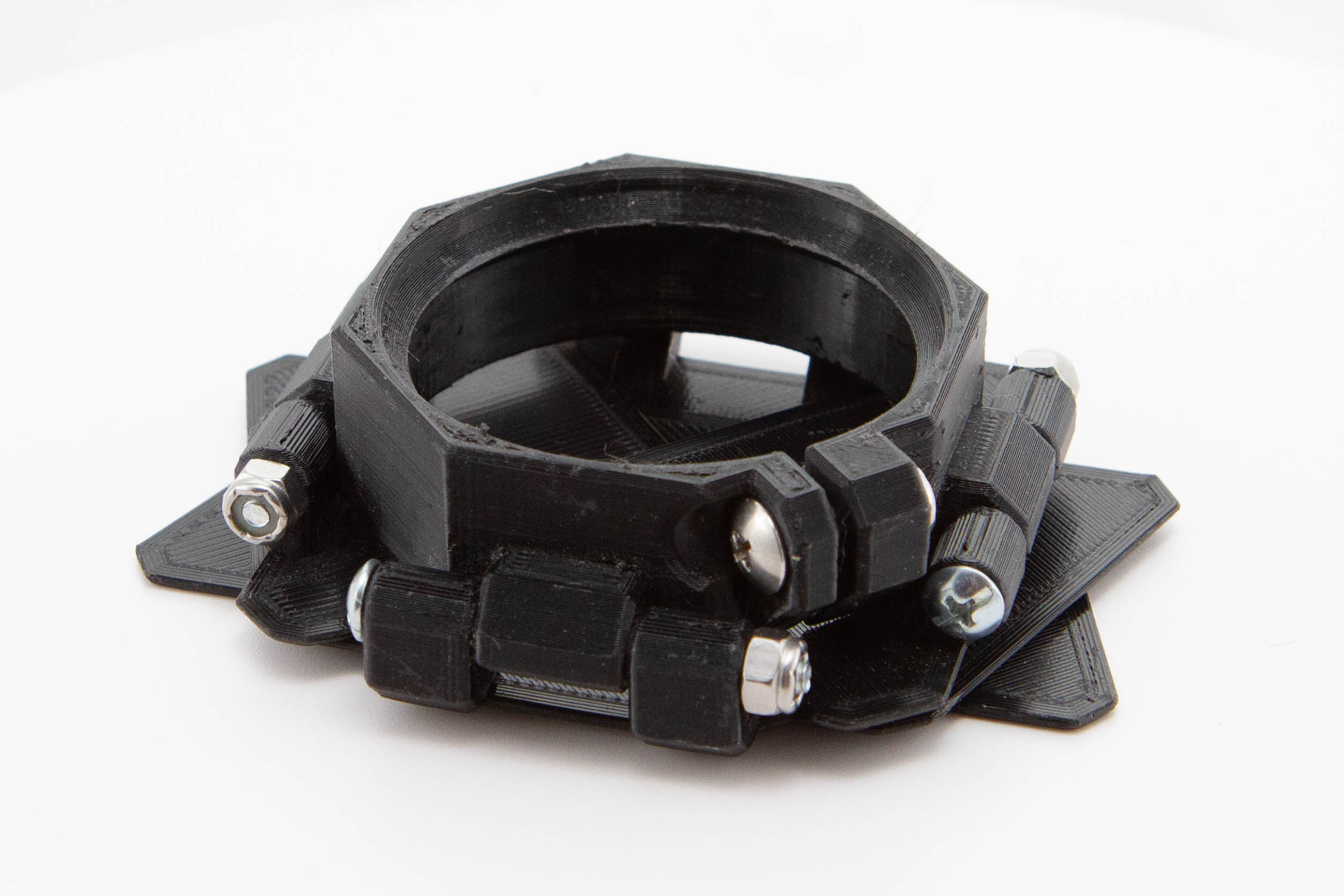
START WITH THE SHOT
Use doors for spill control, a grid for direction, or diffusion for a different source treatment. Regular doors keep the package compact; deep doors provide clearance to close over a suitable grid for transport.
Choose a yoke, arm, desk clamp, or tabletop stand around the equipment you already own. Match both sides of the mounting connection and the complete load, not just the thread name.
Select the supply, adapter, and cable for the edition, installed bulb, and total demand. A splitter adds connections rather than power capacity; a shared connector alone does not establish compatibility.
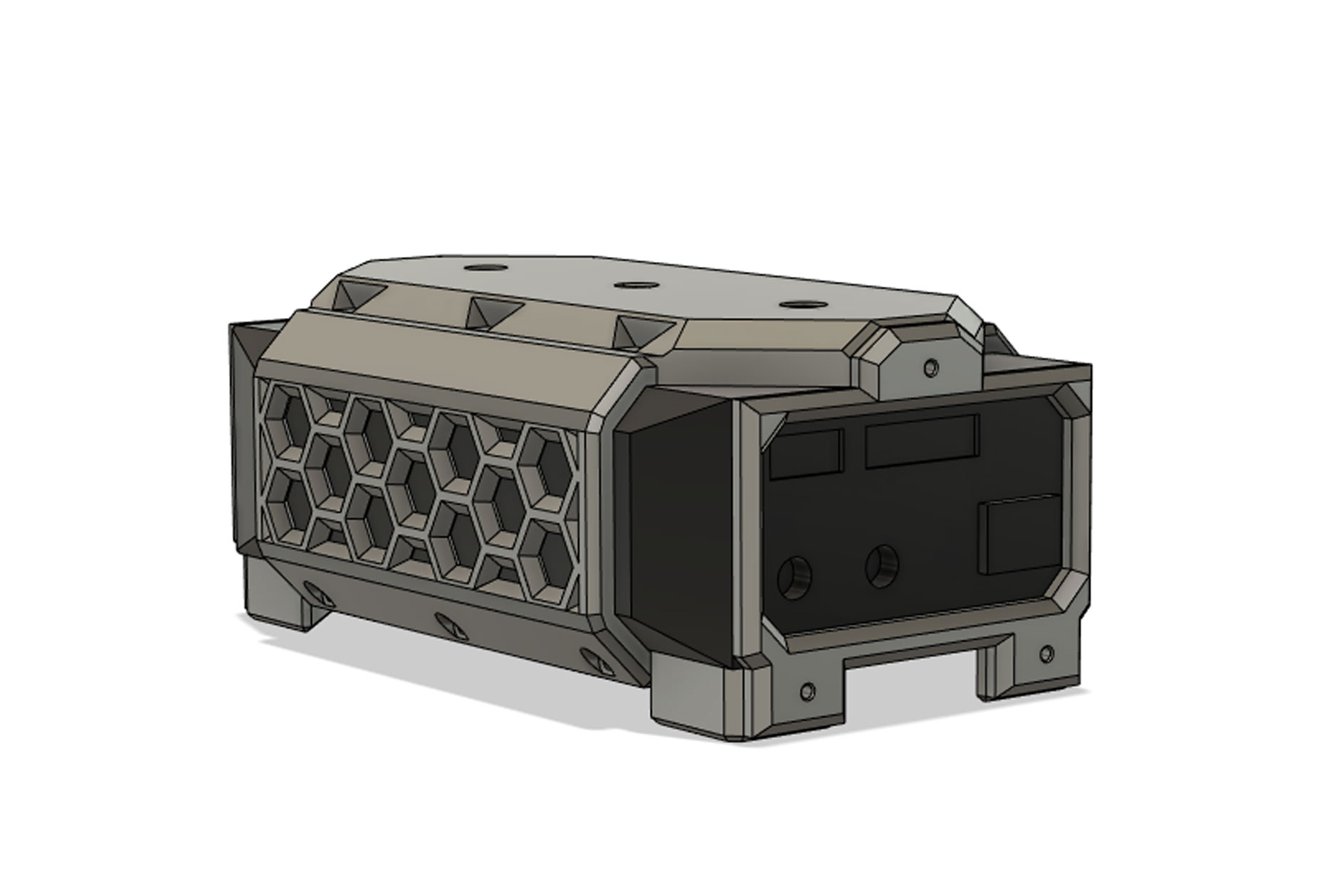
Revised eggcrates include an integrated rear filter holder and diffusion. The original photographs and turntable film show the accessory family, including earlier versions.
CTG’s approach to standard connections and repair →SEE THE SYSTEM TOGETHER
The original turntable film shows how the doors, eggcrates, rings, and mounting pieces form a family. Explore the individual products below for more detailed photographs and companion parts.
LIGHT SHAPING
Keep the eggcrate fitted when you close the doors. The deeper MiniCine design adds room around the front of the fixture.
Explore Deep barn doors →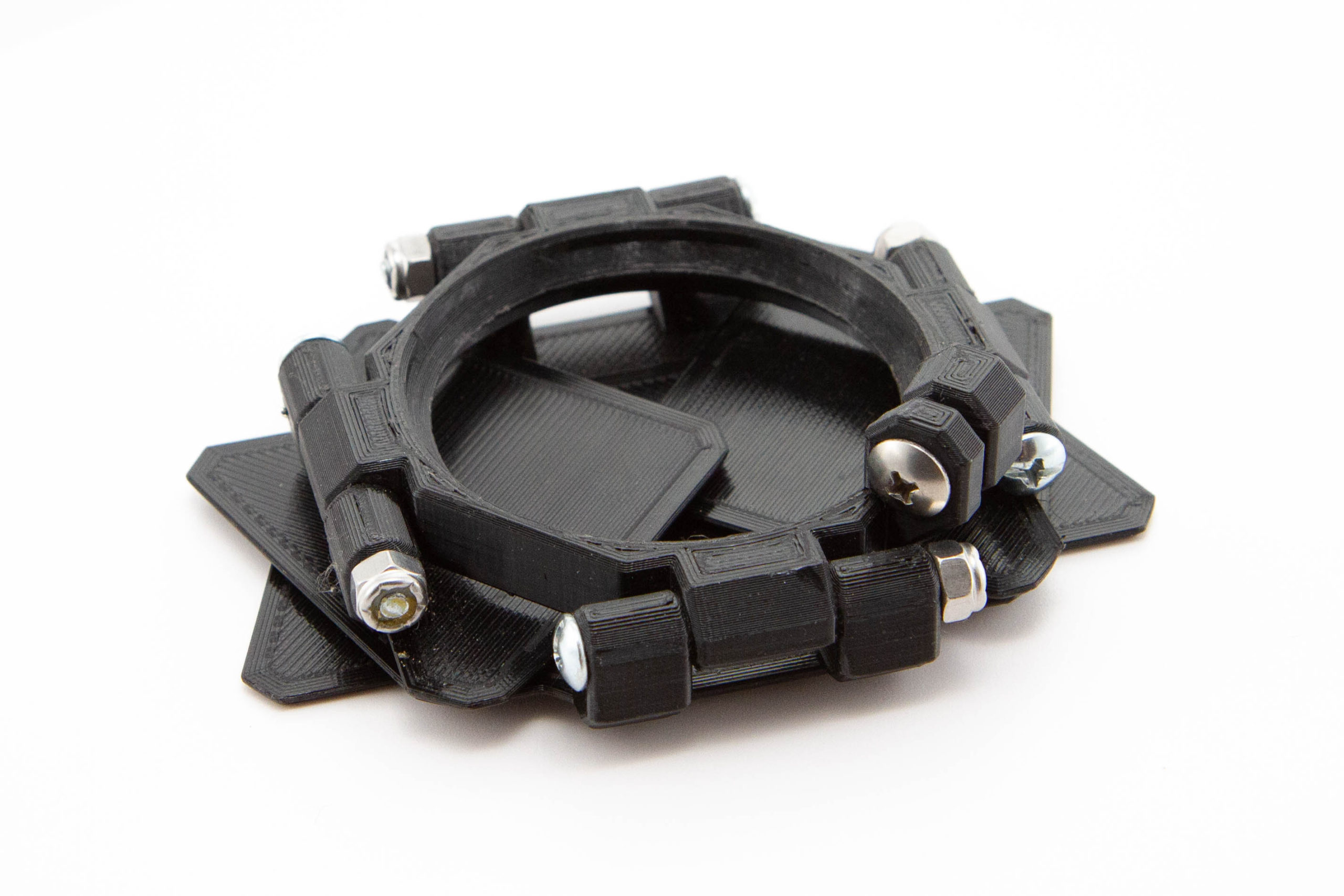
LIGHT SHAPING
Compact light control with doors that close flat around the front of the MiniCine fixture.
Explore Standard barn doors →LIGHT SHAPING
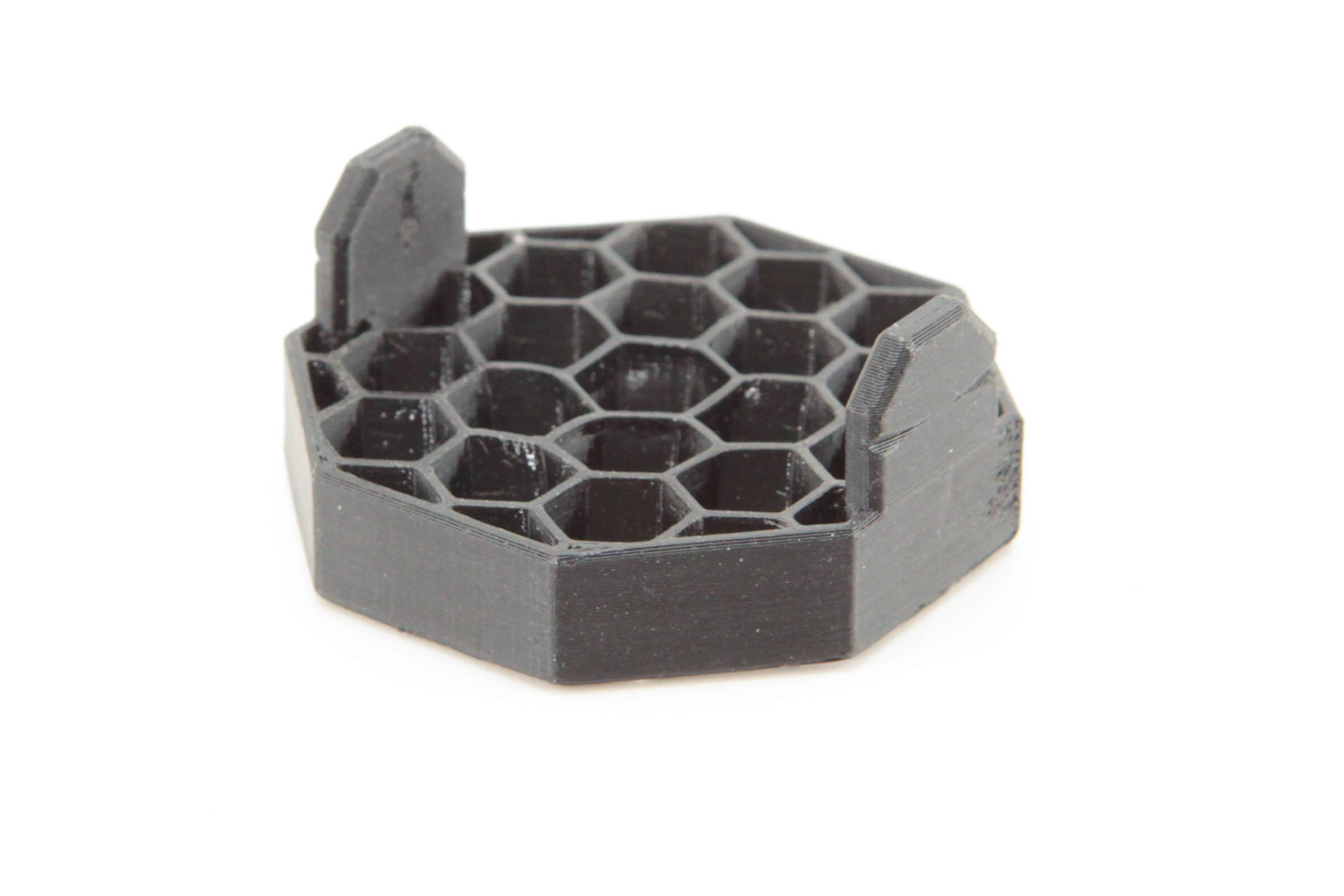
A more directional honeycomb grid with an integrated rear filter holder and included diffusion.
Explore 45° honeycomb eggcrate →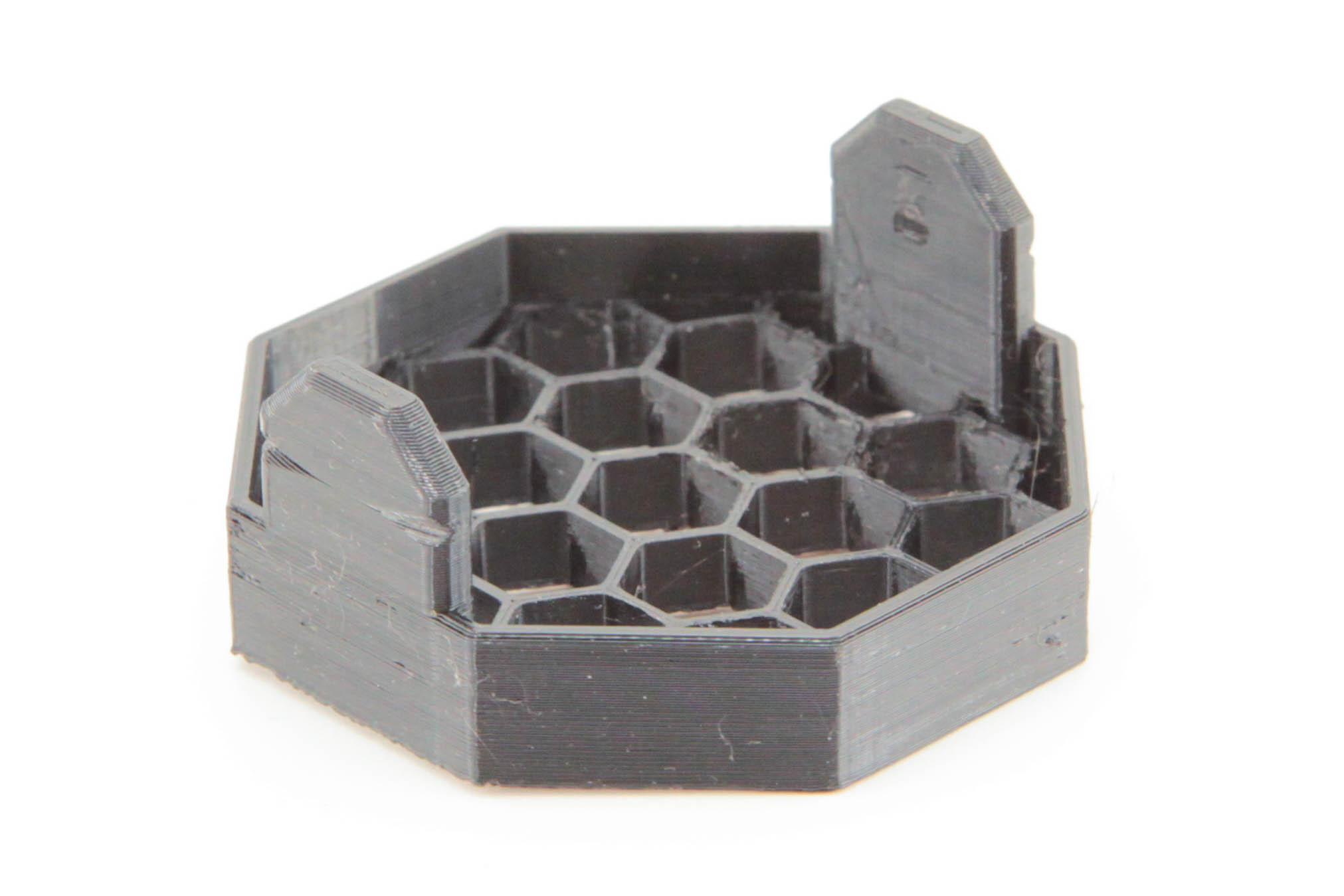
LIGHT SHAPING
A broader honeycomb grid with an integrated rear filter holder and included diffusion.
Explore 90° honeycomb eggcrate →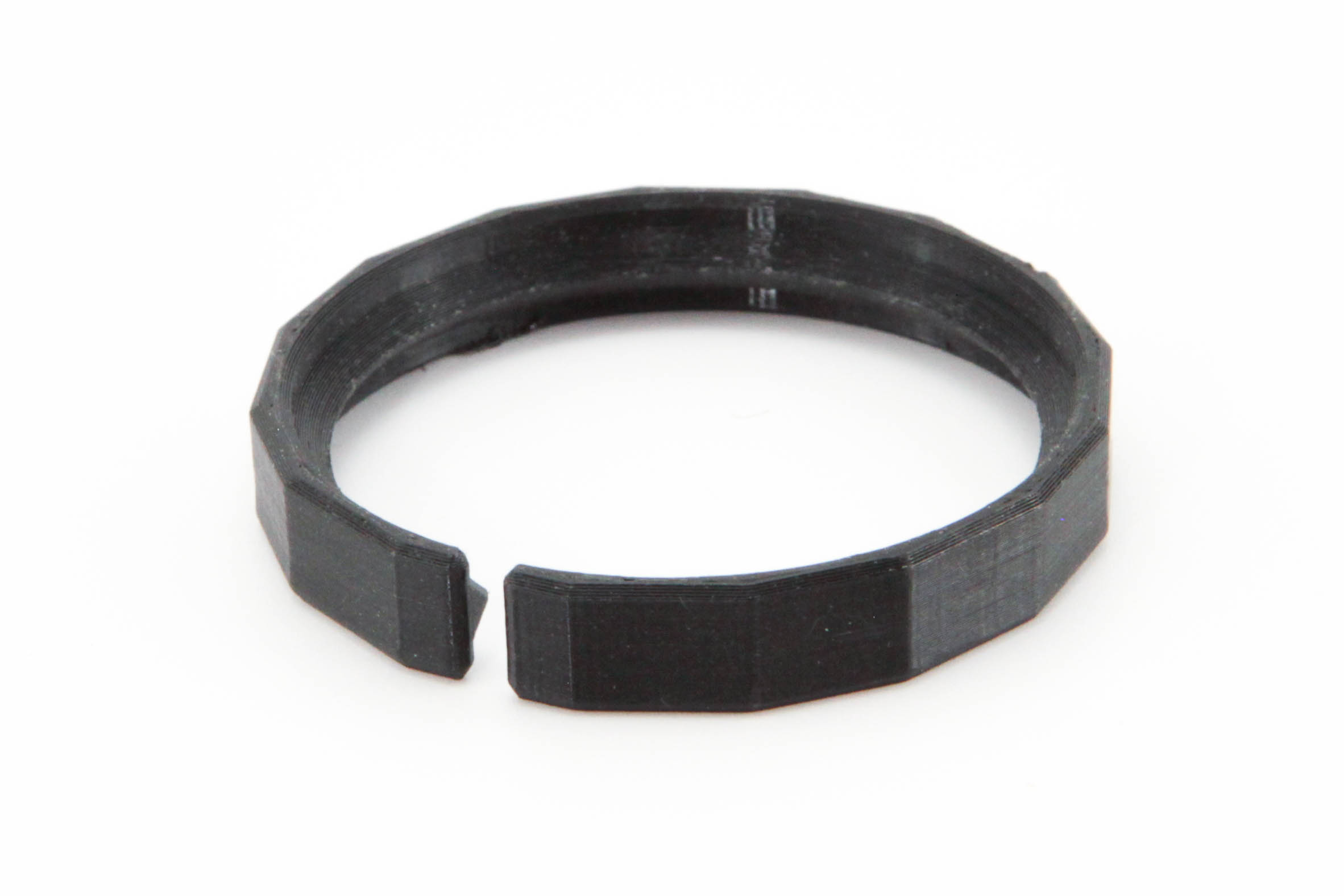
LIGHT SHAPING
Keep the eggcrate in place in a compact setup without barn doors.
Explore Eggcrate retention ring →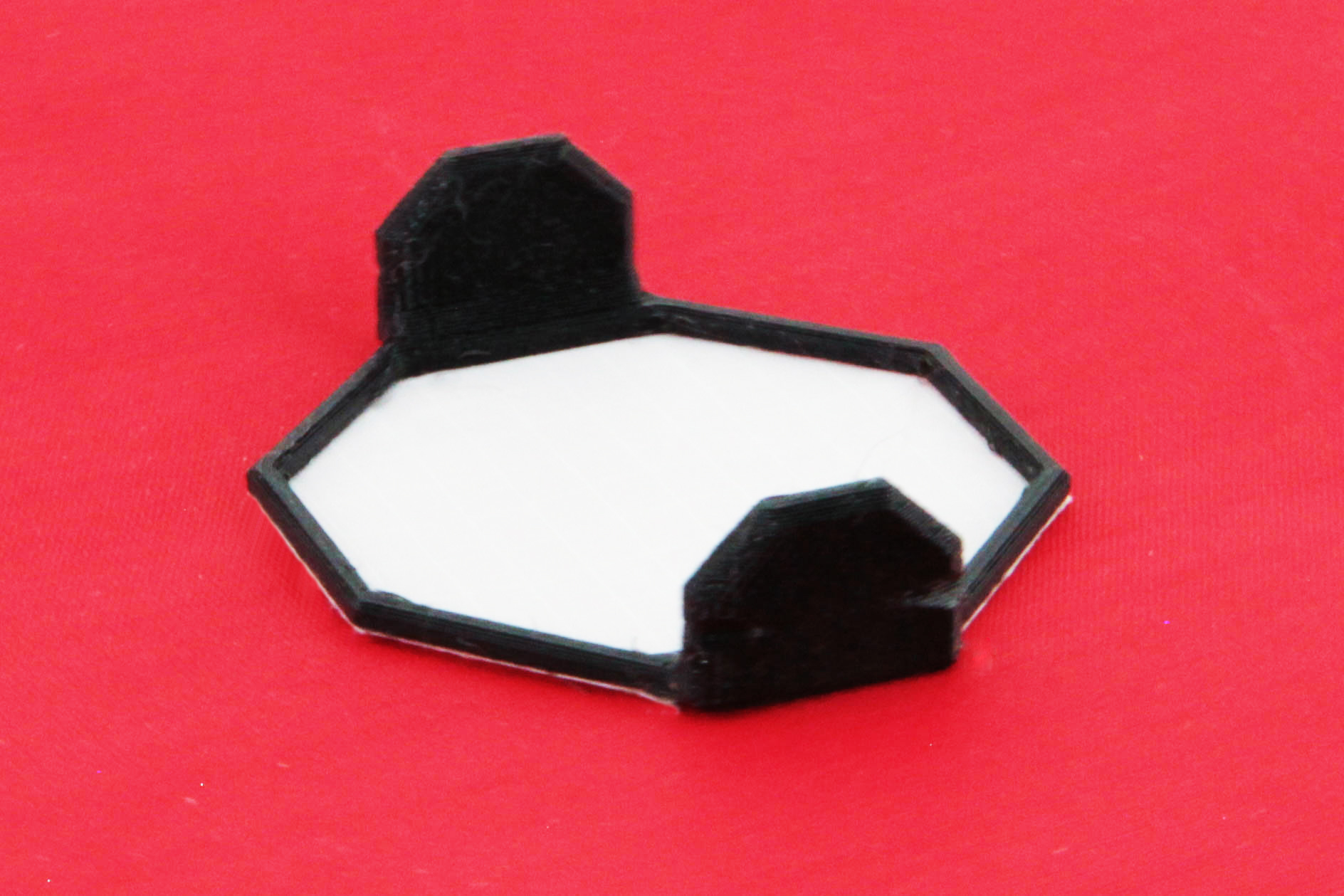
LIGHT SHAPING
A grid-cloth diffusion option for a gentler treatment of the MiniCine light.
Explore Diffusion filter →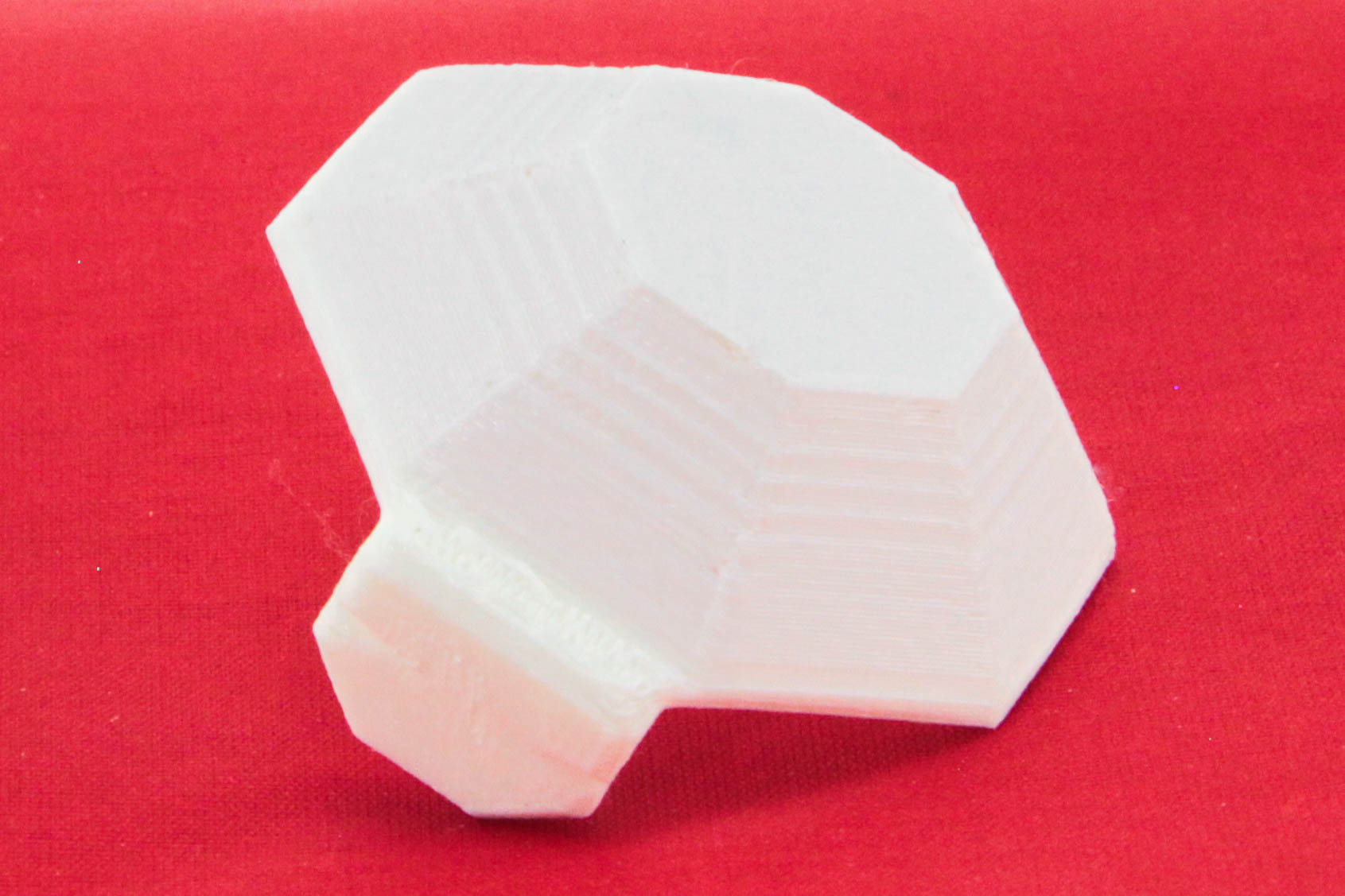
LIGHT SHAPING
A lantern-style light modifier from the MiniCine accessory family.
Explore Lantern diffusion →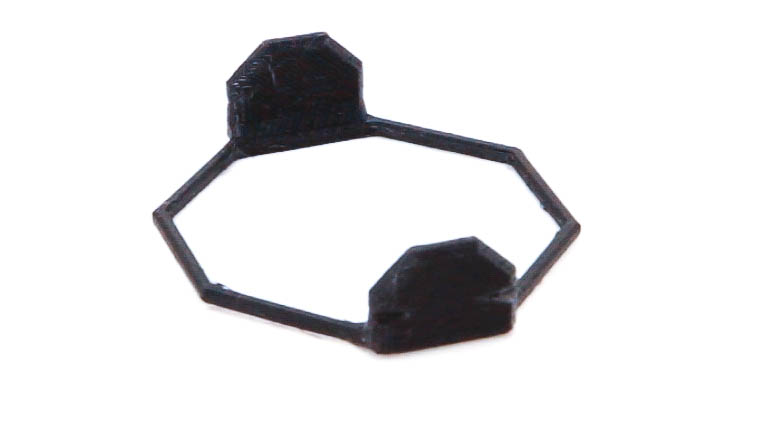
LIGHT SHAPING
Make room for your own filter choices in the MiniCine setup.
Explore MiniCine filter holder →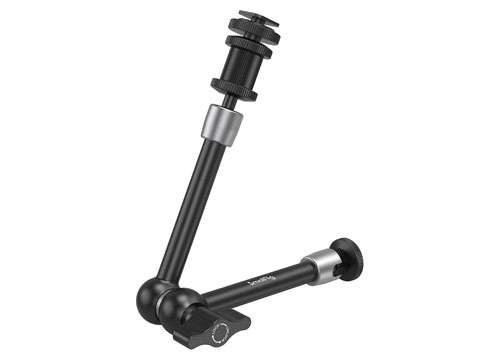
MOUNTING & SUPPORT
Position the light with a rosette-locking arm and familiar camera mounting connections.
Explore Articulated arm →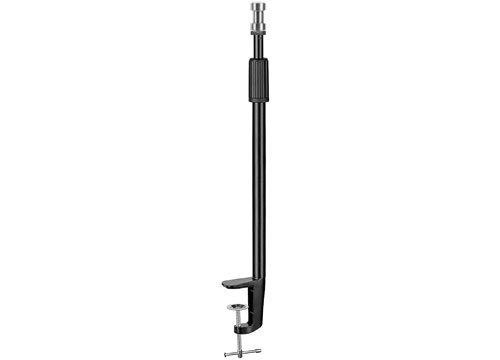
MOUNTING & SUPPORT
Mount the light at the edge of a desk and keep the working surface clear.
Explore Desk mount light stand →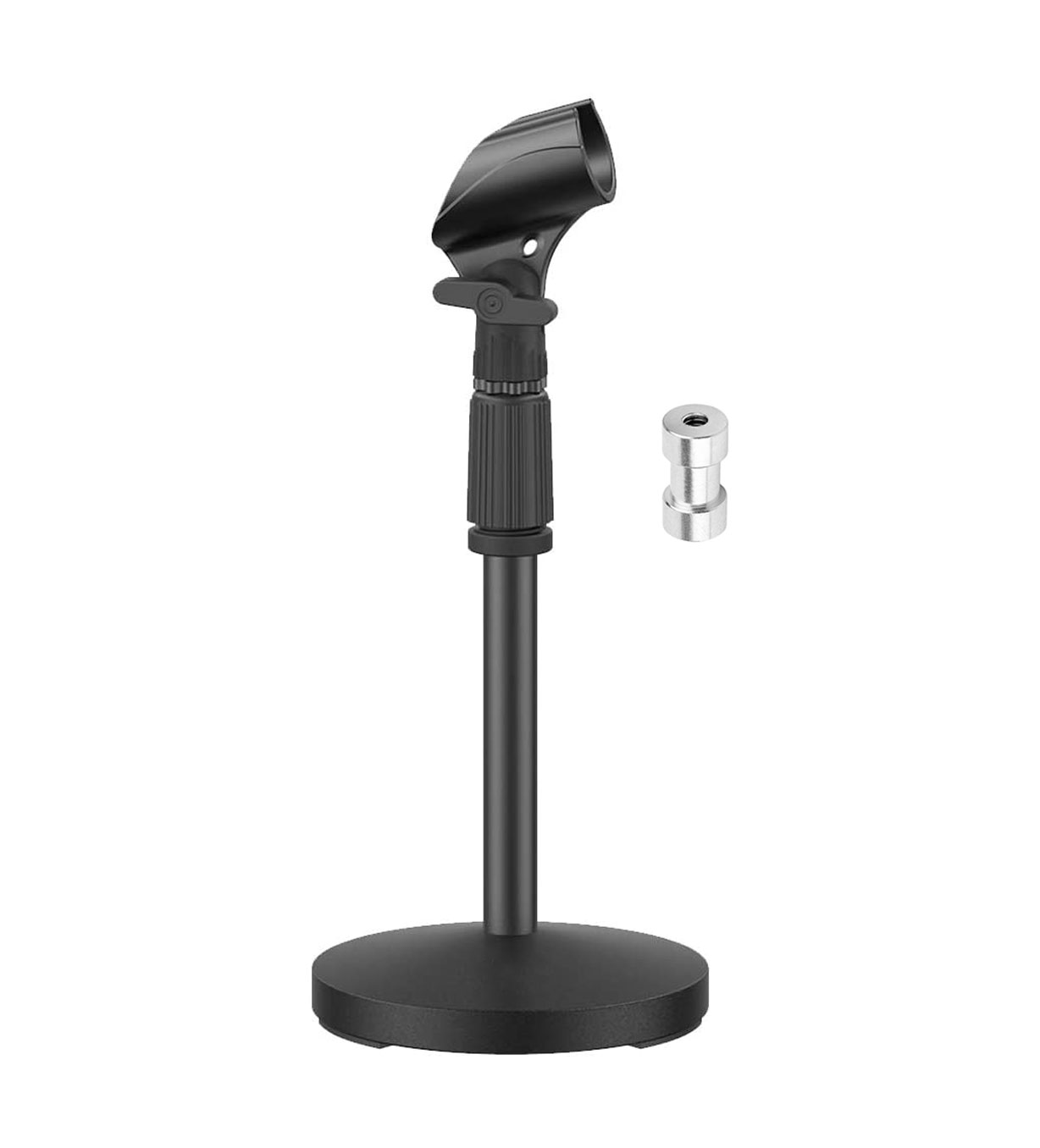
MOUNTING & SUPPORT
A compact desktop base with a baby adapter for the MiniCine yoke arrangement.
Explore Tabletop mic stand with baby adapter →MOUNTING & SUPPORT
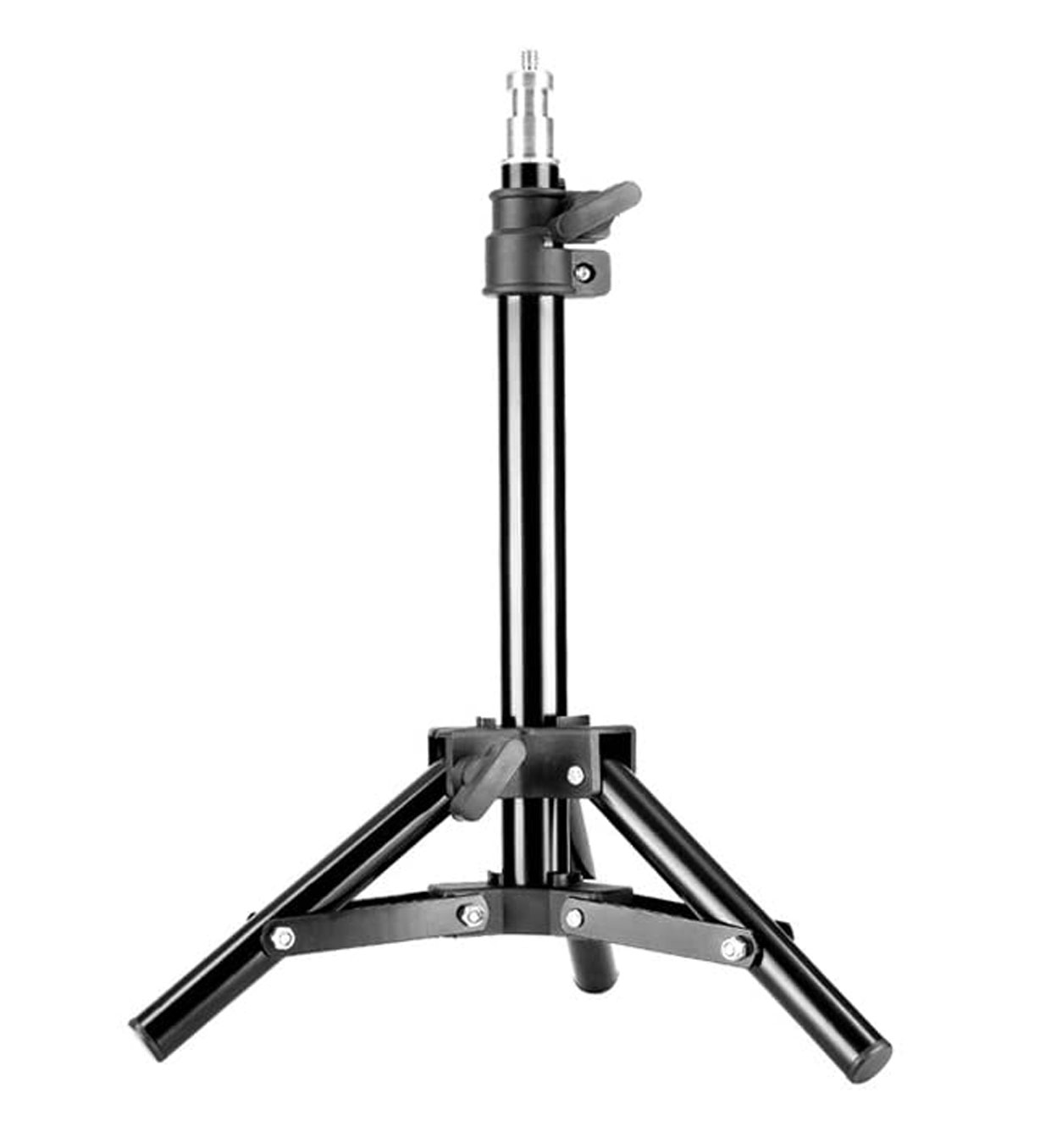
A miniature tripod-style stand for the desk or tabletop production setup.
Explore Tabletop light stand →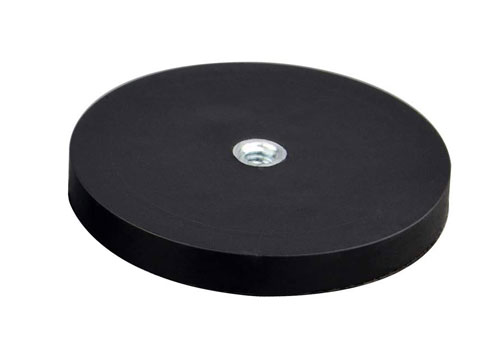
MOUNTING & SUPPORT
A rubber-coated magnetic base with a threaded connection for flexible MiniCine placement.
Explore Magnetic mount →MOUNTING & ORGANIZATION
A family of mounts that uses reusable zip ties to attach equipment without 1/4″-20 threads to 1/4″-20 mounting points.
Explore CineZip mounting system →POWER & CONTROL
Stackable 12V battery power with three 1/4″-20 mounting points, now part of the CinePack range.
Explore CinePack battery pack →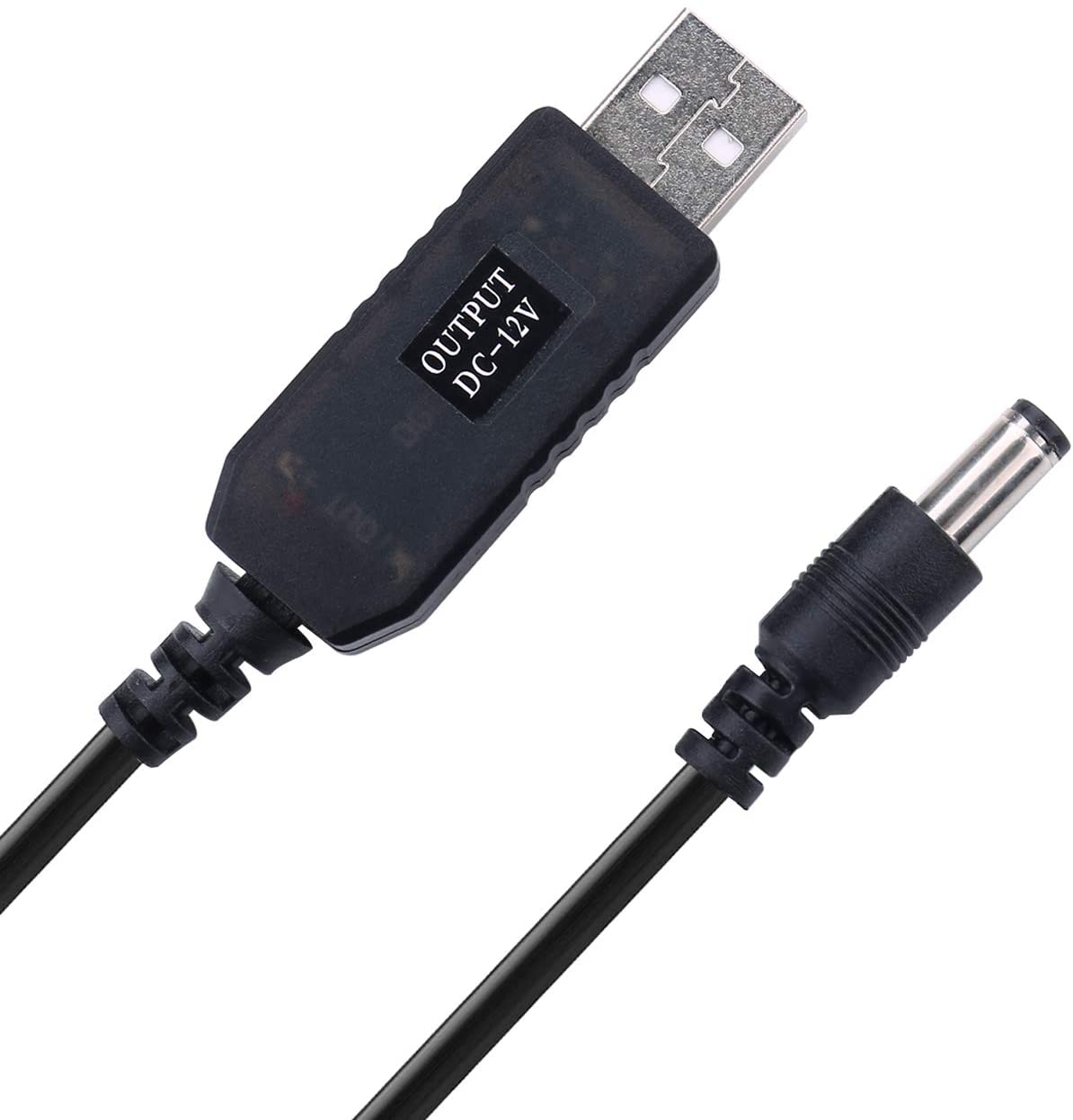
POWER & CONTROL
An adapter option for powering a single compatible MiniCine light from a suitable USB power bank.
Explore USB to 12V adapter →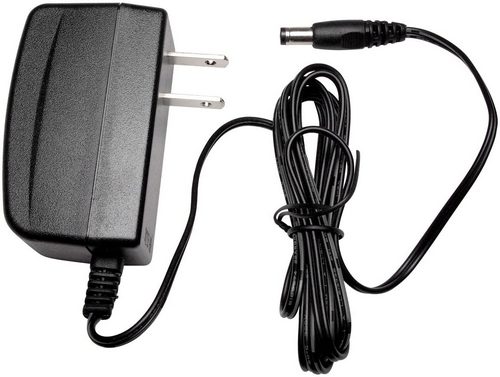
POWER & CONTROL
The single-fixture power supply from the original MiniCine range.
Explore 12V / 1A supply · Creator Edition →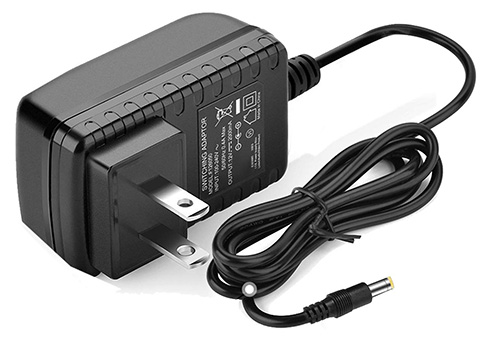
POWER & CONTROL
A 24W supply for the Creator Edition system, with a shared Professional application under review.
Explore 12V / 2A power supply →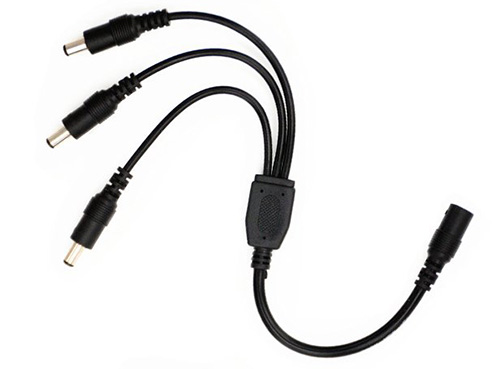
POWER & CONTROL
Split the appropriate supply into a compatible multi-light MiniCine setup.
Explore 12V three-way adapter →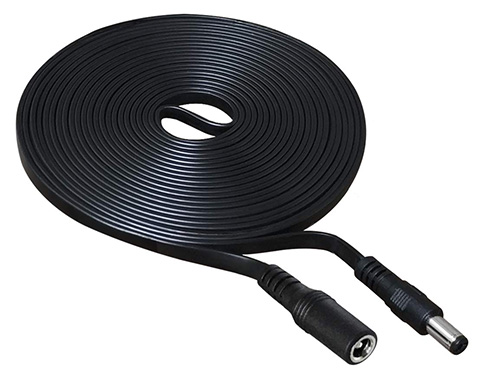
POWER & CONTROL
Add cable reach between the appropriate power source and the MiniCine setup.
Explore 10 ft 12V flat extension cable →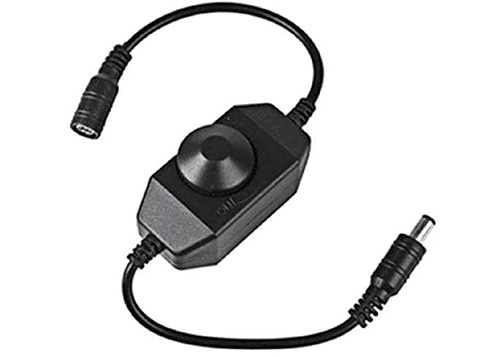
POWER & CONTROL
An inline dimming option from the existing MiniCine power-and-control range.
Explore 12V dimmer →POWER REGULATION
A 100W buck/boost converter configured to a specific output voltage for the application. The output configuration must match the equipment being powered.
Explore CineReg →RAIL-MOUNTED USB
A USB adapter that mounts on a NATO rail, bringing a useful power connection into the rig.
Explore CinePort →PROFESSIONAL POWER
The preferred supply direction for MiniCine Professional. Final current rating, connector, and sourcing are being confirmed.
Explore 24V supply for MiniCine Professional →These accessories come from the existing MiniCine / Creator Edition catalog. Professional compatibility is not assumed. Current configurations, prices, and availability are being reviewed.